Our top-tier consultancy services provide strategic guidance to elevate your entire digital presence.
Learn More


 " />
" />
 " />
" />
 husna
|
September 30, 2026
|
Blog
husna
|
September 30, 2026
|
Blog
Contents
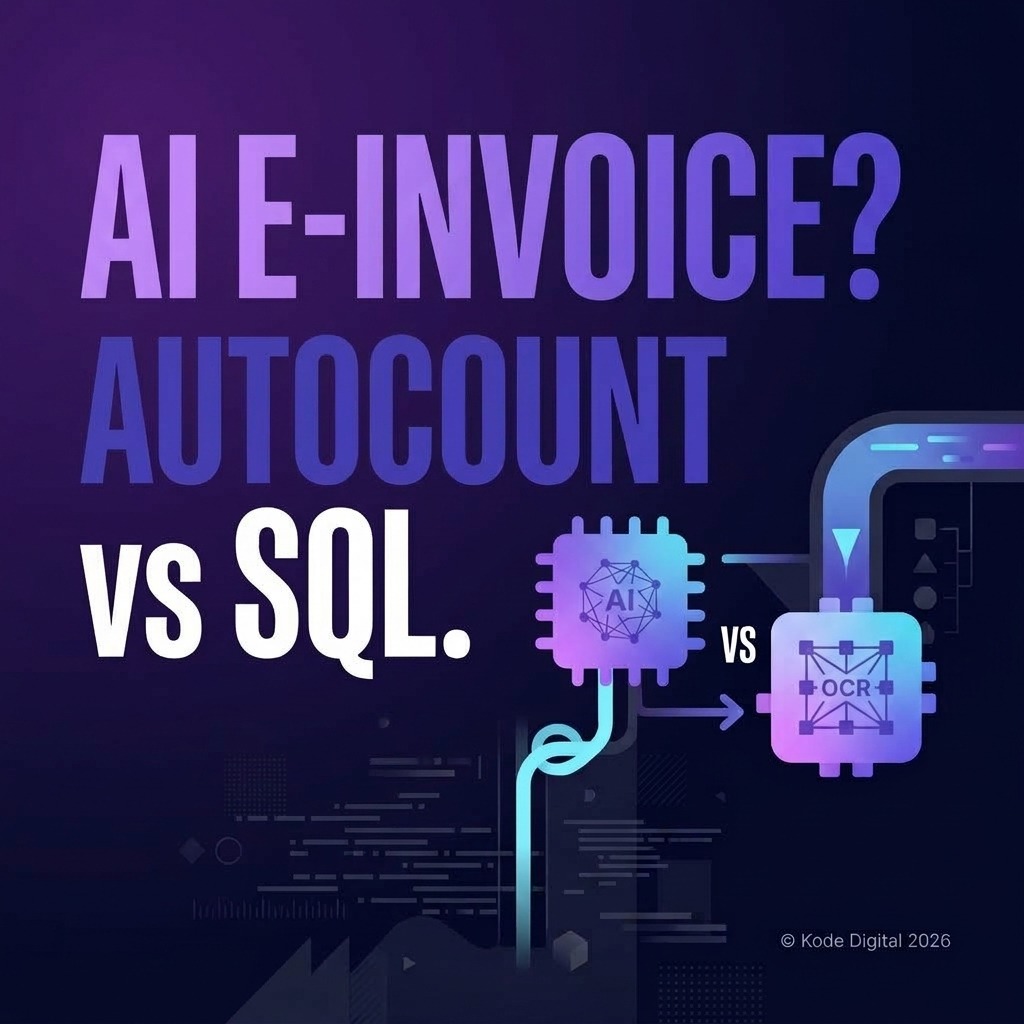
Many finance teams in Malaysia face significant delays from manually re-keying invoices, receipts, and expense vouchers into AutoCount or SQL Accounting. With LHDN’s mandatory e-invoicing (MyInvois) rollout, manual workflows create compliance risks and operational overhead.
This guide compares how AutoCount and SQL Accounting handle financial data capture and e-invoice integration. It explores how Kunos, our AI-powered business operating system, simplifies transaction entry and streamlines compliance for Malaysian businesses.
Both platforms provide robust accounting functionality, but their performance with data entry automation and e-invoicing workflows depends on your system setup and integration architecture.
| What to compare | Why it matters | What to check with each vendor |
|---|---|---|
| E-Invoice Submission (MyInvois) | Direct transmission of validated sales invoices to LHDN portal. | Verify real-time API connector status and validation error handling. |
| Automated Data Capture (OCR) | Scanning bills and receipts to eliminate manual ledger keying. | Check third-party middleware compatibility and field-mapping accuracy. |
| Batch Transaction Processing | Handling high-volume supplier invoices and daily sales posting. | Evaluate bulk import speed and duplicate transaction check features. |
| Integration options | Determines how cleanly HR data can flow in. | Ask whether it supports API access, import templates, or only manual entry. |
| Local support and skills | Your accountants and IT partner must be able to run it day to day. | Ask who supports it locally and how quickly they respond. |
| Licensing and upgrades | Affects your total cost over several years. | Ask what is included, what is a module and what upgrades cost. See our 5-year cost guide. |
When evaluating both packages, prioritise solutions that reduce manual data entry work while ensuring full compliance with Malaysia’s e-invoicing mandate.
Transitioning away from manual re-keying requires adopting modern data capture and integration strategies. Below are the standard operational methods used by Malaysian businesses.
| Method | How it works | Strengths | Risks |
|---|---|---|---|
| 1. AI OCR Scanning | Receipts and supplier invoices are scanned and extracted into digital drafts automatically. | High accuracy, eliminates manual keying. | Requires a verification step before final posting. |
| 2. E-Invoice API Sync | Direct two-way sync between billing front-end, LHDN MyInvois, and accounting books. | Instant compliance, zero data loss. | Requires initial API configuration. |
| 3. Batch CSV/Excel Import | Exporting formatted transaction files from operational tools into accounting software. | Low cost, works universally. | Semi-manual step, risk of file format mismatch. |
Automating these key transaction flows frees finance personnel to focus on strategic cash flow analysis rather than repetitive data entry.
Kunos acts as a powerful front-end operating system that connects to AutoCount and SQL Accounting. Featuring intelligent AI OCR scanning, Kunos extracts line items from supplier bills and receipts automatically, mapping them to your general ledger. It automates e-invoice generation, pushing validated transaction data to MyInvois and syncing approved entries directly into AutoCount or SQL Accounting.
Because every organisation has a different chart of accounts and workflow, our Customer Success team configures and tests the connection with your own setup during onboarding. Most organisations are configured and running within 2 to 6 weeks, depending on modules and data migration. Kunos is offered as a one-off system investment rather than a monthly subscription. For larger organisations and government-linked companies, we can also discuss on-premise or regional cloud hosting.
If you need help building portals or dashboards around your finance and HR data, our website design and development team can support that too.
Both are robust Malaysian accounting solutions. AutoCount is widely known for strong inventory management, while SQL Accounting excels in customisable reporting. The choice depends on your specific workflow and integration requirements.
Yes. Systems like Kunos connect via API or direct data sync, allowing automated OCR receipt capture, sales entry posting, and MyInvois e-invoice submission into AutoCount.
Yes. SQL Accounting integrates with front-end tools like Kunos to automate financial data capture, expense vouchers, and e-invoice validations seamlessly.
No. You can keep your existing AutoCount or SQL Accounting software and connect modern front-end automation platforms to handle e-invoicing and OCR data entry.
Deployments typically take between 2 to 4 weeks, depending on data mapping complexity, LHDN sandbox testing, and internal team training.
Integration ensures that transactions captured via OCR or billing front-ends meet LHDN field requirements before submission, preventing compliance errors.
Streamline your accounting workflows with automated data entry and seamless e-invoicing. Contact our team today to see a live demo of Kunos connected to your AutoCount or SQL Accounting system.
About the Author: Husna writes about financial system automation, e-invoicing compliance, and enterprise software integration at Kode Digital.
Kode Digital Sdn Bhd is a Malaysian digital agency with offices in George Town, Penang and Petaling Jaya, Selangor. It builds Kunos, an AI-powered business operating system for Malaysian organisations.
353-3 Jalan C. Y. Choy,
10300 George Town,
Penang, Malaysia.
A-16-8 Tropicana Avenue,
No 12 Persiaran
Tropicana, PJU 3, 47410
Petaling Jaya, Selangor.















 Singapore
 Australia